New! Host your PostgreSQL database on Rocketadmin


Up to this point, we’ve operated on a strictly bring-your-own-database principle.
Plug in, set up, go.
But really, that just means we’ve made that step your responsibility.
You know how it goes.
Sign up for a cloud provider, deal with their interface, pick a region, decode a connection string, paste your credentials into Rocketadmin.
If this is a workflow you understand well and even prefer? No problem at all.
Anyway — we built it into Rocketadmin.
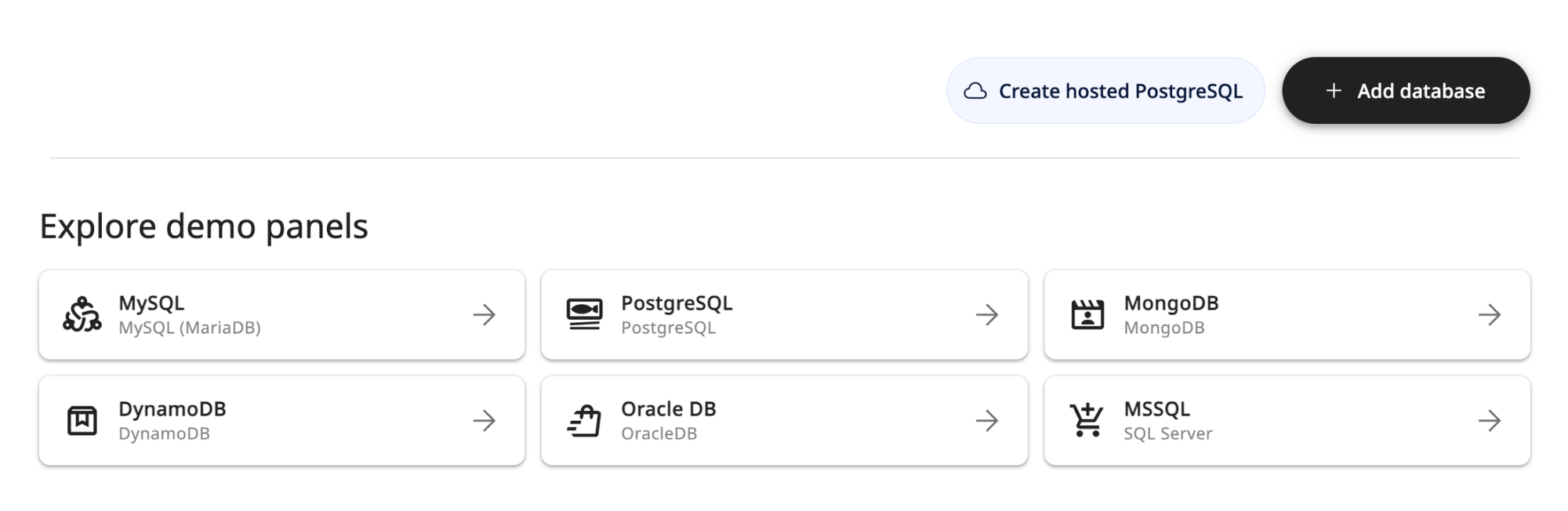
Now you can spin up a Postgres database in a couple clicks, right from the connections screen. It's provisioned and connected before you've even decided what to name it.
Two tiers — Free and Scalable
Just like our subscription plan, we wanted to offer flexibility.
So we split the pricing in two: free to start, and pay-as-you-go as you grow.
Here’s a brief rundown of both.
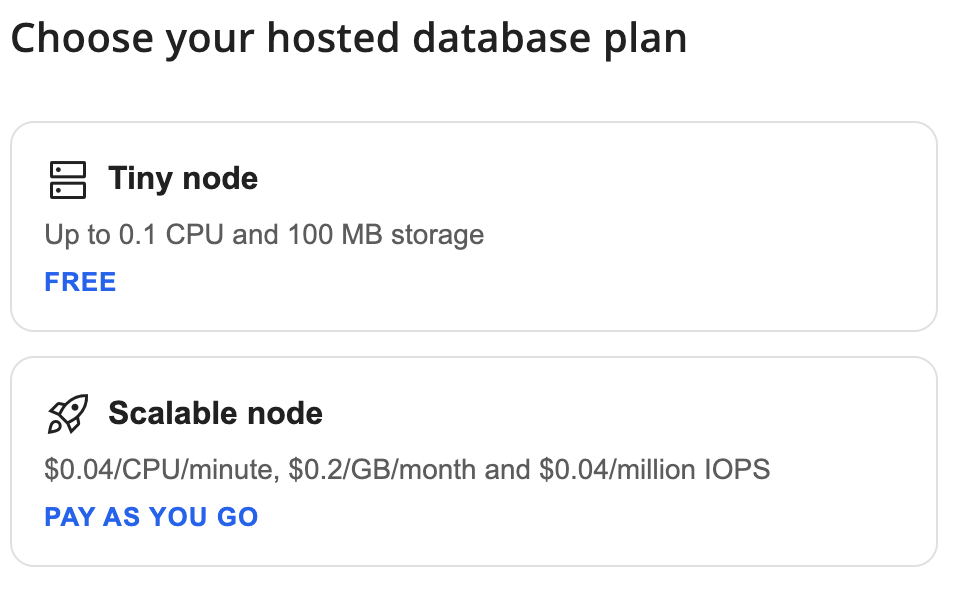
Tiny node: Up to 0.1 CPU and 100MB of storage. Useful for tiny projects and project sandboxing.
Your let me just test something real quick database. It costs nothing, and it's there the moment you click.
Scalable node:
Pay-as-you-go.
When the toy outgrows the toybox, you move up to something that scales with you: $0.04 per CPU per minute, $0.20 per GB per month, and $0.04 per million IOPS.
You pay for what you use. No flat fee for a server that sits idle between working hours.
Before you go clicking
Hosting your database on Rocketadmin takes just a couple clicks, and our documentation will guide you through the whole thing — creating the database, building your tables, managing it later.
But two things are worth knowing up front, because both are the kind of thing you only learn the hard way:
Your password is shown only once: when you create the database — save it somewhere safe the moment you see it. You can't retrieve it afterward, but you can always reset the connection for a new one (just save that one too).
Deleting the hosted database deletes the data: unlike external connections (where the data stays with your provider), there's no undo here. Export anything you want to keep before you delete.
Neither is unusual — it's how hosted databases work everywhere. Just don't let them catch you off guard.
All that's left is the name
That’s our pitch:
- One platform
- One payment
- One support team
- Free, easy, and fast to start
We wanted to make sure that signing up for our hosting is as fast, simple, and powerful as possible.
While there are a lot of fantastic hosting services out there, using them also means an entirely separate platform you have to manage, two separate payments, and, potentially, two separate technical teams trying to fix one problem you’re struggling with.
Our main goal was to unify everything, so that not just your databases, but your operations can run effortlessly, too.
Oh, and if you don’t want to bother with creating your own schema?